

Dedicated Apple silicon
A real Mac for your build. Not a slice of one.
Dedicated Apple silicon for the CI, Xcode and release workflows your team already runs. We run the hardware, the patching and the turnover. You keep your pipeline.
Pricing and availability are confirmed when you configure a reservation.
Built for teams shipping on Apple platforms
Dedicated hardware
One physical Mac, reserved for you alone.
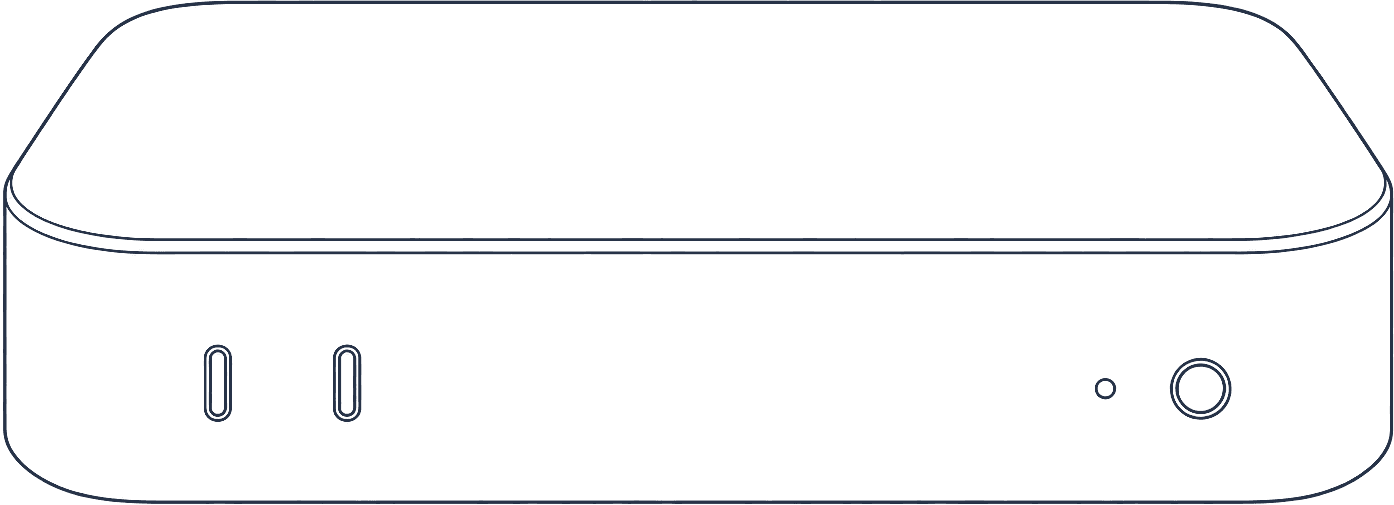
Not a container, not a VM carved out of a shared host. You get the whole unit: its CPU and GPU, its full memory, its disk. No noisy neighbour, no contention, and Instruments numbers that reflect real hardware.
See the catalog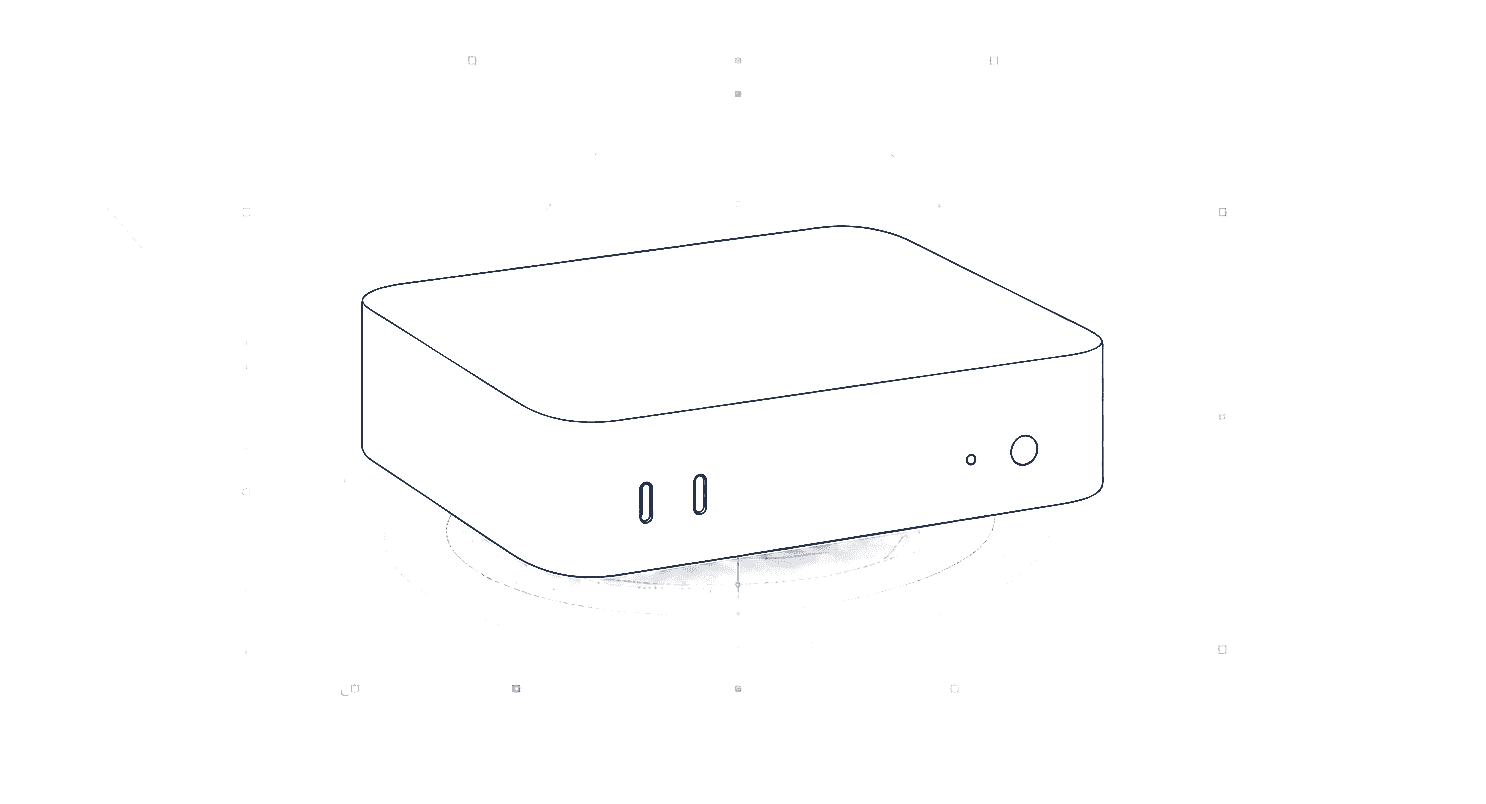
Certified environment
A known-good macOS and Xcode, pinned and published.
Every Mac boots the same certified profile: a specific macOS build, a specific Xcode and SDK, a fixed toolchain. What you see here is the live catalog, not a brochure. You can pin to it, reproduce against it, and stop chasing a build that only works on one engineer's laptop.
Browse certified profilesThe live catalog can’t be shown right now. Browse it directly at the catalog.
Timing you can trust
The clock starts when your Mac is ready, not when you pay.
Preparation and verification happen before the lease clock starts, so they cost you nothing. Access opens at an exact moment, runs for the full window you reserved, and ends at a precise cutoff. Cleanup and turnover happen after, on our time.
The full lease lifecycle- Prepare + verify — free, no lease time consumed
- Access opens — the clock starts here
- Exact cutoff — access ends at the moment you reserved
- Cleanup — wiped and returned, on our time
The full lifecycle timeline lives on How it works.
Keep your CI
Point the pipeline you already run at a dedicated Mac.
A CoreMac Mac is a runner or agent target for the CI you have. Register it, send it work, and get representative build times and reliable signing without shared-runner variance.
Browse integrationsiOS build & test
runner mac-7q3f2a9c · Apple M4
source: GitHub Actions
- Checkout0:04
- Resolve Swift packages0:31
- Build (Release) · signing1:12
- Test (iOS 18.2 · device set)·
- Archive & export·
Interactive access
Connect over SSH or VNC, and verify you reached your Mac.
Open a shell or a screen on the machine over your own connection. Reachability is checked continuously, and the host fingerprint is published so you can confirm on first connect that you are talking to your dedicated Mac, not a stand-in.
How access is securedInteractive access
Reachablessh mac@mac-7q3f2a9c.use1.coremac.netSSHvnc://mac-7q3f2a9c.use1.coremac.net:5900VNC- Last reachability check
- Sep 26, 2026, 2:05 PM UTC
- Published host fingerprint
- SHA256:9f2a…c41e
Verify the fingerprint on first connect so you know you reached your Mac and not a stand-in. Illustrative sample values.
Reservations and availability
Pick a certified profile. See the exact price and window.
Choose a certified profile and a region, and a quote confirms the exact price and the access window before you commit. Nothing starts until access opens; the clock runs only inside the window you reserved.
Configure a reservation- Pick a certified profile and a lease window
- A quote confirms the exact price before you commit
- Nothing starts until access opens
A price exists only on a quote for your organization; the catalog never shows one.
Operational transparency
You keep the workflow. We keep the hardware running.
CoreMac prepares the machine, verifies it against the certified profile, watches runner health while you work, and cleans up after access ends. You never manage the hardware; you just use a Mac that is ready.
The full lifecyclePrepare
Provision the Mac and install the certified toolchain before your clock starts.
Verify
Confirm the environment against the certified profile and publish the host fingerprint.
Observe
Watch runner health and reachability for the life of the lease.
Clean up
Wipe and re-image the machine after access ends, on our time.
Isolation and turnover
Your work stays yours. Then it is erased.
One tenant per machine for the life of your lease. When access ends, the Mac is wiped and re-imaged from the certified profile before it ever serves anyone else. No residue, no shared state.
Security and dataOne tenant per machine
No shared kernel, no noisy neighbour.
Full-disk wipe on turnover
The Mac is erased before it returns to the pool.
Fresh certified image next tenant
Every lease starts from the same known-good state.
Ready when you are
Reserve a dedicated Mac and keep your workflow.
Configure a machine to see the exact profile, window and price. Nothing starts until access opens.